In order to open either a Flexible Cash ISA or a Flexible Stocks & Shares ISA account, you need to create a Real account with XTB in GBP. Please note, to open an ISA account you need to be a UK resident and provide your National Insurance number.
How to create an account with XTB
At XTB we request clients to fill out an online application form either through the website or the mobile app. Within this application process, you will need to undertake a relevant assessment, consisting of 4 multiple choice questions. This step is essential to ensure your compatibility with the product.
Upon successful completion of the application, you will be prompted to submit Know Your Customer (KYC) documents, such as identification and proof of address, in order for us to authenticate your identity. Once the KYC process is finalised, your trading account will be established.
With the trading account active, you will gain unrestricted access to both the trading platform and the client office. This provides you with the opportunity to acquaint yourself with the software and, if desired, make an initial deposit to commence your trading activities.
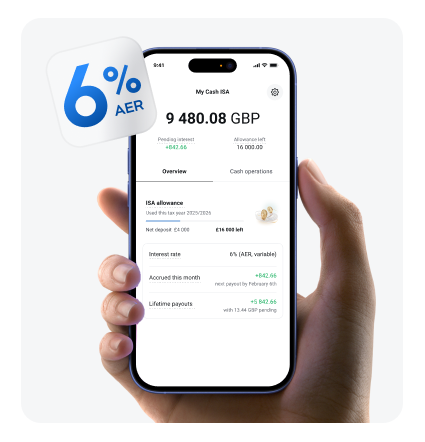
If you already have an account in GBP with XTB, please click the "Save" button and select “Flexible Cash ISA.” Enter your National Insurance number in the correct format. If you need assistance obtaining your NI number, please contact HMRC. Once you’ve filled out all the required information, you’re all set! Top up your account and your ISA. Remember, it’s your responsibility to ensure you don’t exceed the annual limit across all ISA accounts.




.png?width=425&height=442&name=UK_MWC_KV_LP_Interest_rates%20KV%20(1).png)